
By the end, you’ll know which platform fits your crew size, budget, and growth goals, so you can spend less time shuffling paperwork and more time finishing flawless coats.
Why Painting Contractors Need a CRM System
Even the most organized estimator eventually hits a ceiling with spreadsheets and sticky notes. Phone numbers disappear, a follow-up call gets missed, or that lucrative commercial repaint falls through the cracks. Those little leaks add up to real revenue loss.
A dedicated CRM for painting contractors keeps every client, job, and invoice in one system that your office staff and field crews can see in real time. Instead of searching for scattered information, everyone works off the same source of truth.
Typical workflow problems painting contractors face
Painters often describe the same bottlenecks:
- Leads slip through the cracks because intake happens in too many places – phone, Facebook, site forms, and personal texts.
- Estimates take too long, or pricing is inconsistent across estimators.
- Follow-ups are manual. If the owner doesn’t call, no one does.
- Crew scheduling lives in one person’s head or a single office calendar.
- Change orders and extras get lost, so work gets done but never billed.
- Job notes and photos aren’t centralized, which leads to rework on color, sheen, or scope.
- Invoices lag behind job completion; cash sits on the table.
- Reporting is murky. You don’t know close rates, average job size, or where your best leads originate.
Without software, these small mistakes cost hours each week and erode customer confidence.
How CRM helps organize leads, jobs, and follow-ups
A CRM tracks every stage of the pipeline, from the first website inquiry to the final touch-up. Picture this flow:
- A lead submits a form. The CRM creates a contact and automatically schedules a call.
- After the on-site estimate, you convert the quote into a job with one click.
- The calendar updates, crews receive dispatch notifications, and clients get arrival texts.
- Once work is done, the invoice goes out instantly, and online payment links speed up billing.
Because each step is visible on dashboards, you can spot bottlenecks early rather than fixing problems later.
What Is a CRM for Painting Contractors?

A CRM for painting contractors is the nerve center of your business. Think of it as a living timeline where every conversation, color code, photo, and payment lives in one place instead of on clipboards, texts, and mental notes. The moment a lead calls, the clock starts ticking. A purpose-built CRM captures that call, reminds you to schedule an on-site visit, lets you build an estimate while you’re still in the driveway, and then hands off the job to the crew without retyping a thing.
You might ask, “Can’t I do this with a spreadsheet?” Not for long. Once you’re handling more than ten active jobs, the manual shuffling breaks. Dates slip, material lists vanish, crews show up without primer, and you’re left apologizing. A CRM eliminates those gaps by connecting the dots automatically.
When you mark a proposal as “Accepted,” the software can instantly slot the project into the calendar, generate a materials picklist, and text the homeowner with the start date. It’s the difference between juggling flaming torches and putting them in a secure rack.
Difference between generic CRM and contractor CRM
Generic CRMs, like Salesforce or HubSpot, excel at sales funnels but stop at “deal won.” After that, painters need separate tools for scheduling, dispatching, and invoicing. Contractor CRMs fuse those missing pieces. They understand labor hours, ladder-truck capacities, and rainy-day rescheduling. For example, if weather forces you to shift an exterior repaint, a contractor CRM can drag the job to a dry day, alert the customer, and reassign the crew in seconds.
That integration matters. Contractors who switched from a generic to a trade-specific CRM shaved an average of five administrative hours per week, according to a 2026 field-service survey. Four extra hours could mean another estimate written or an early Friday for once.
Key benefits for painting businesses (office + field)
Office managers appreciate fewer double entries, while painters in the field love having job details and client notes on their phones. The right system reduces:
One-screen client history
Need to jog your memory on which shade of Repose Gray you used two years ago? Pull up the contact, and every note, photo, and signed change order is right there. No more rifling through paper job jackets.
Fewer scheduling snafus
Drag-and-drop dispatch boards help you avoid the classic mistake of booking two interiors on one van when you still need an exterior crew across town. If rain pushes an exterior repaint, you can reshuffle jobs in seconds and auto-notify homeowners.
Faster, cleaner estimates
Templates calculate square footage, labor hours, and material markups, so you spend minutes, not hours, quoting a 4-bedroom interior.
Mobile muscle
Field crews snap progress photos, clock hours, and log change orders on their phones. That data flows back to the office instantly, so billing doesn’t wait till Friday.
Digital change orders
A customer decides to add an accent wall after seeing the first coat? They sign on the tech’s tablet, and the additional material automatically hits the job cost line.
In short, you create a smooth customer experience that wins referrals.
How to Choose the Best CRM for Painting Contractors
Buying software can feel like walking a paint aisle stocked with 200 shades of white. They all look similar until you bring a sample home and realize the undertones are totally different. Here’s how to narrow the field without wasting weeks on demos.
Must-have features for painting contractors
Most owners say these items are non-negotiable in 2026:
- Estimating that fits your workflow. Room-by-room, surface-based, or package pricing – however you price, your CRM should speed it up.
- Pipeline and reminders. Clear stages (new, estimate sent, follow-up, won, lost) and auto nudges via email or SMS.
- Scheduling and dispatch. A calendar your team actually uses, with crew assignments and drag-and-drop changes.
- Job documentation. Photos, notes, and color codes were saved to the job. Bonus points for templates and checklists.
- Client communication. Texts, “on my way” notifications, and a place where clients can approve and pay.
- Invoicing and payments. Generate invoices from the estimate or job, and take card/ACH without friction.
- Mobile app that crews like. Offline access helps in basements, exteriors, and dead zones.
- Reporting, you’ll read. Close rates, average ticket, job profitability, and lead sources – simple, actionable views.
Those eight cover 90% of what a painting company needs day to day. Anything else is a nice-to-have.
Pricing, onboarding, and integrations to evaluate
The price is more than the subscription. Ask vendors about SMS bundles, e-signature limits, and training packages. Some entry-level tiers exclude features you’ll need in six months. Clarify upgrade paths now to avoid surprise bumps later.
Onboarding matters even more. Request a timeline and a success manager. A smooth rollout should include data import help, role-based training sessions, and a 30-day check-in. Structured onboarding generally improves user adoption, reduces churn, and accelerates time-to-value, with various reports showing significant gains in retention and engagement when onboarding is done well. For example, good onboarding experiences can increase retention or reduce churn by measurable amounts, e.g., a structured onboarding process has been associated with a 20% reduction in churn year-over-year.
Integrations defend against vendor lock-in. Minimally, find native QuickBooks sync, Zapier hooks, and calendar feeds. Make sure that you can connect to Mailchimp if you market there, or Gusto Payroll. An open ecosystem makes it possible to add tools and not change CRM every two years.
Top 7 CRM Software for Painting Contractors in 2026
Below are seven platforms that consistently show up on painters’ shortlists this year. Each has its own sweet spot, so read carefully before deciding which is the best CRM for painting contractors like you.
Tool #1. Mr Task – Best overall CRM for painting contractors
Source: Mr Task
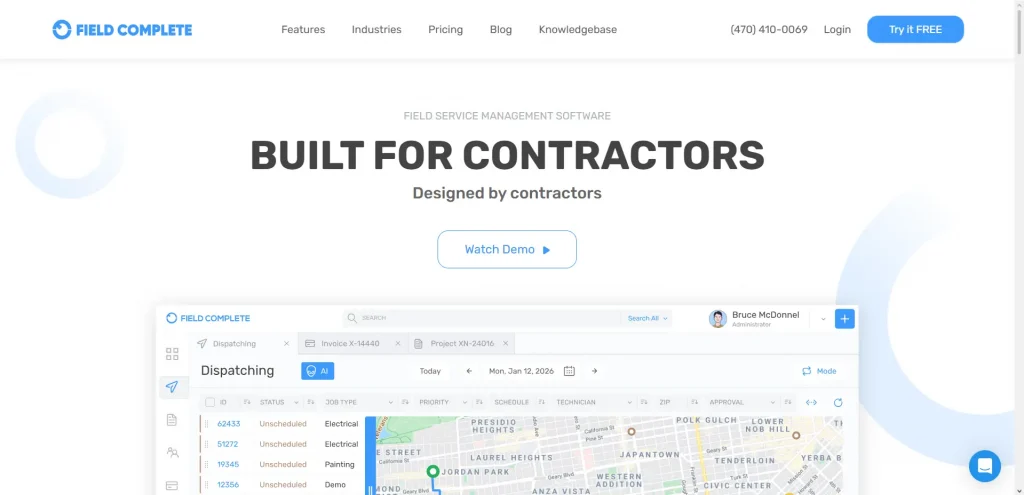
Mr Task earns the overall crown because it covers every stage – lead, estimate, schedule, dispatch, invoice – without feeling bloated. Painters love its real-time dispatch board: drag a job onto a crew, and the field app pings them with directions, color formulas, and photos. GPS clocks time on site automatically, helping with accurate job costing.
The CRM module houses every client, past quotes, and warranty notes. When a repeat customer calls, you glimpse their entire history before you answer. Meanwhile, automated notifications keep homeowners in the loop (“Your crew is on the way”). That transparency translates to five-star reviews.
Pricing starts at $29.99 for the Bronze tier, but most small and mid-size contractors report it falls comfortably below enterprise options like ServiceTitan. For companies that want a single login for office staff and crews, Mr Task is the clear front-runner.
Tool #2. Jobber – Best for small painting crews

Source: Jobber
Jobber packs a surprising punch inside a clean interface that even non-techie owners can navigate. Set up takes an afternoon: import contacts, add services, and start sending quotes. Its quoting tool lets you attach photos of wall damage or color swatches, making it easier for homeowners to say yes on the spot.
While Jobber’s CRM module is simpler than Mr Task’s, it nails the basics: pipeline stages, task reminders, and quick client lookup. The real win is the calendar. Dragging jobs around on the fly when the weather shifts or a crew finishes early feels intuitive.
At $39 per user per month for the Core plan, Jobber is often the first CRM for painting contractors just leaving the spreadsheet stage. You can always upgrade later, but many three-to-five-person crews stay on Jobber for years because it simply works.
Tool #3. PaintScout – Best for estimates and quoting workflows
Source: PaintScout
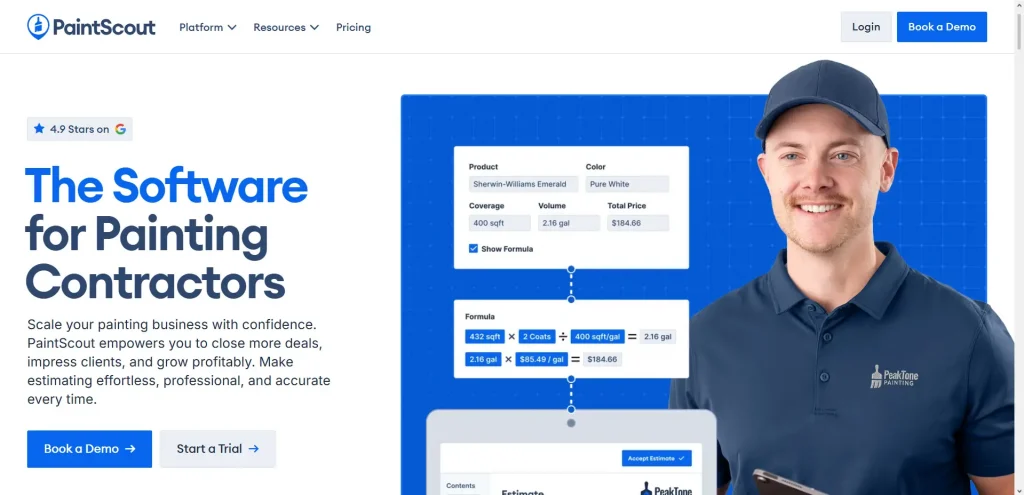
If you lose sleep over estimated accuracy, PaintScout deserves a look. The platform was designed by painters who got tired of guessing coverage rates. Its quote builder pulls from a database of common prep tasks, number of coats, and surface types, then crunches material and labor costs automatically.
Once you send a quote, PaintScout tracks opens and nudges prospects until they accept or decline. Acceptances convert to work orders without retyping. Scheduling and invoicing features exist, though they’re lighter than Jobber’s or Mr Task’s. Many contractors pair PaintScout with a separate scheduling tool.
Still, for companies where closing deals quickly is the number-one priority, PaintScout is arguably the best CRM for painting contractors focused on precise pricing.
Tool #4. Kickserv – Best for scheduling and crew dispatching
Source: Kickserv
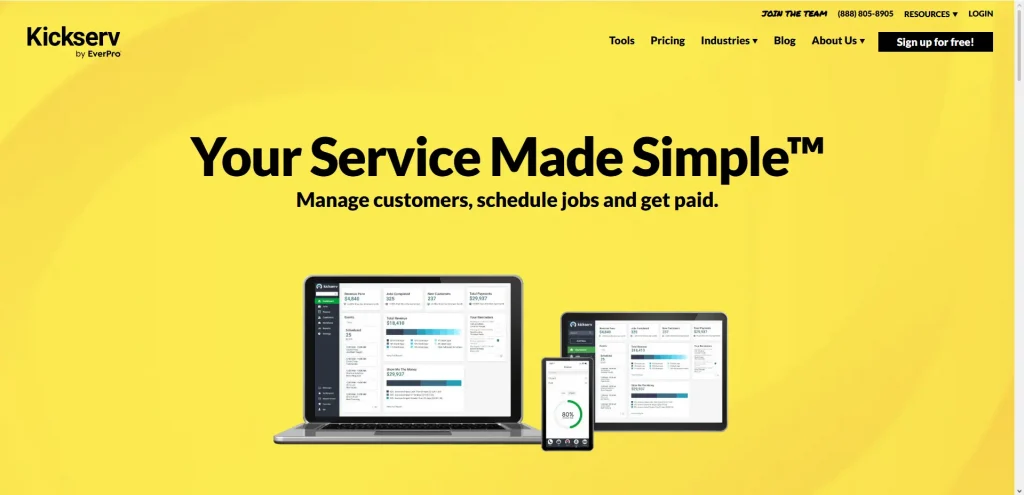
Kickserv’s strength is its calendar and dispatch board. Crews can be grouped by skill set—interior, exterior, commercial—and assigned with color-coded blocks. A built-in GPS tracker shows where each team is in real time, minimizing those “Where are you?” phone calls.
The CRM section encompasses lead forms, notes, and attachments, yet the true innovation lies in Kickserv’s ability to connect each work order to the daily route. Office staff drag jobs to balance drive times; painters see optimized routes in the mobile app.
Its pricing tiers scale gently, making it a solid CRM for painting contractors whose main pain point is keeping multiple crews moving efficiently all week long.
Tool #5. ServiceTitan – Best for marketing and review automation
Source: ServiceTitan
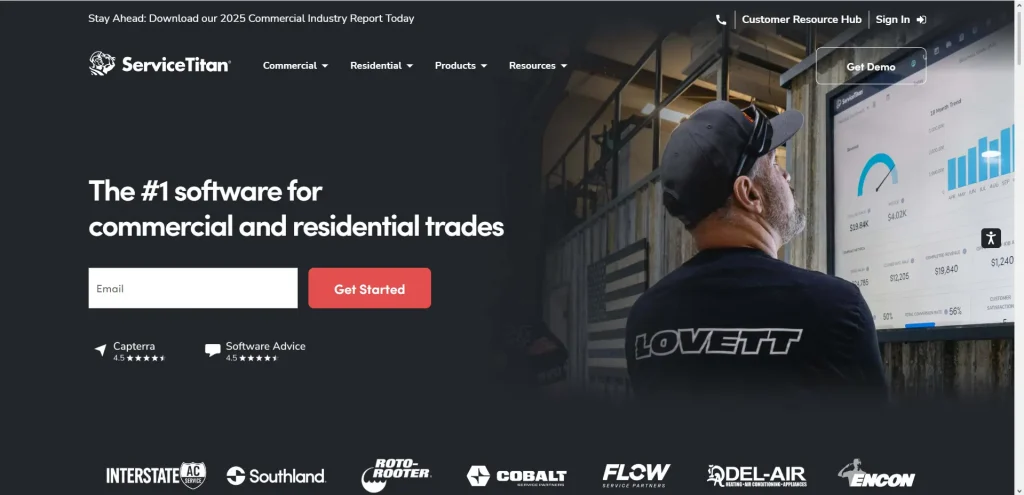
ServiceTitan sits at the higher end of the market, but its marketing engine is unmatched. Automated email and SMS campaigns follow up on unsold estimates, request Google reviews the moment an invoice is paid, and even send “It’s been two years since we painted your trim” reminders.
Inside the CRM, you can drill into lifetime client value, conversion rates by estimator, and revenue generated by each campaign. Those metrics guide smarter ad spend—critical for contractors scaling past $2 million in annual revenue.
Setup is more involved, so ServiceTitan suits established painting businesses with a dedicated office manager and a budget for formal onboarding. If that sounds like you, and you crave a marketing machine alongside operations, ServiceTitan may be the best CRM for painting contractors aiming to dominate their zip codes.
Tool #6. Pipeline CRM – Best budget CRM for new painting businesses
Source: Pipeline CRM
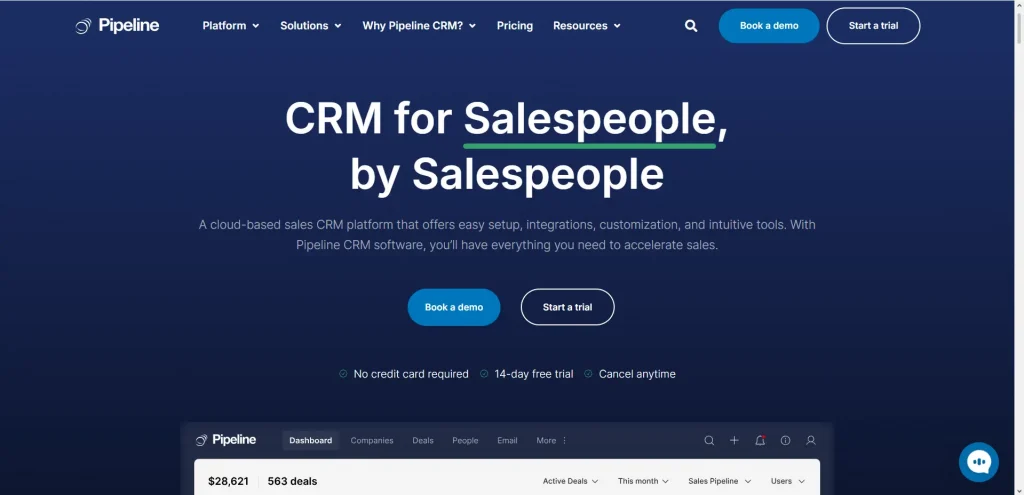
Not every company needs built-in dispatch or job costing right away. Sometimes you just need to track who called, what you promised, and when to follow up. Pipeline CRM offers exactly that at $25 per user per month.
Its visual pipeline board helps solo painters juggle dozens of conversations without missing a beat. You can create custom stages – Lead In, Estimate Sent, Closed Won, Touch-Up Request – and drag cards forward as deals progress. Email tracking plugs into Gmail, so reminders pop up if a prospect ghosts you.
When you’re ready to add scheduling, Pipeline CRM integrates with Google Calendar or Zapier, letting you bolt on other tools. That flexibility makes it a frugal first step into the world of CRM for painting contractors.
Tool #7. Builder Prime – Best multi-service contractor CRM that fits painters
Source: Builder Prime
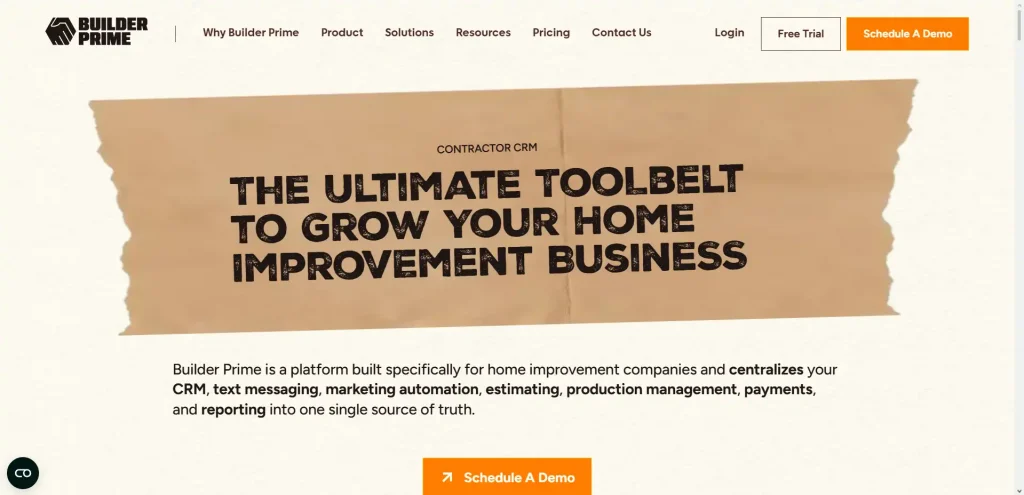
Some painting companies also handle drywall, light carpentry, or pressure washing. Builder Prime shines in mixed-trade environments. It lets you build separate workflows for painting production, drywall repairs, and cabinet refinishing, each with its own milestones.
Estimating templates include dynamic variables, so you can quote a 3,000-square-foot exterior repaint or a small touch-up without creating a new form every time. Once the job is in motion, Builder Prime’s production tracking shows how far each crew is from its deadline, preventing last-minute rushes.
Because it’s modular, you can roll out features in stages: first lead tracking, then scheduling, then advanced job costing. For companies expanding into multiple services, Builder Prime stands out as the best CRM for painting contractors who refuse to stay “just painters.”
Implementation Tips for Painting Contractor CRMs
Buying a CRM is like buying a sprayer: results depend on prep and technique. The best software will flop if data is dirty or the team isn’t trained.
Importing customer and job history correctly
Start with data hygiene. Combine duplicates, standardize address format, and ensure that records have a method of contact. Tag jobs that have been completed as historical so that they do not clog up active boards. A majority of CRMs provide a sample CSV template – take it. First, load a batch of fifty records, have a look at them within the system, and import the remaining.
After import, map status stages. For instance, “Estimate Sent” in your spreadsheet might equal “Proposal Pending” in the CRM. Aligning stages now keeps reports accurate from day one.
Training office staff and field crews on the new system
Pick two champions: an office power user and a field lead. They attend vendor webinars, create cheat sheets, and act as first-line support. Break training into bite-sized sessions. Monday: leads and estimates. Tuesday: scheduling. Wednesday: mobile field app. Give crews a sandbox job to practice photos and signatures before going live.
Launch on a Monday morning, not midweek. The fresh payroll cycle and clean calendar make troubleshooting easier. For the first two weeks, hold a daily ten-minute stand-up to surface questions quickly.
Finally, measure adoption. Most CRMs show user activity. If a painter hasn’t logged a photo in three days, have the field lead shadow them. Real-time coaching beats end-of-month surprises.
FAQ
Do painting contractors really need a CRM?
In 2026, yes. Companies using CRM systems report an average 29% increase in sales revenue after CRM adoption. A CRM doesn’t just store contacts – it automates reminders, tracks job costs, and keeps crews informed. If you earn a living painting, a CRM will help you earn more with less chaos.
How much does CRM software for painting contractors cost?
Entry-level tools such as Pipeline CRM start around $25 a month for each user. Platforms like Mr Task and ServiceTitan that do everything use tiered or custom pricing that can be anywhere from $29.99 to $300, depending on the advanced modules. Take into account any extra costs, like SMS credits and onboarding fees, especially for business tools.
Can I start with a generic CRM and switch later?
You can, but be prepared for data migration headaches. Generic CRMs lack scheduling and dispatch features, so you’ll end up bolting on extra apps. Many contractors switch after a year when they realize they’ve recreated a specialized system the hard way. If painting is your core business, starting with a purpose-built CRM for painting contractors saves time and money long-term.